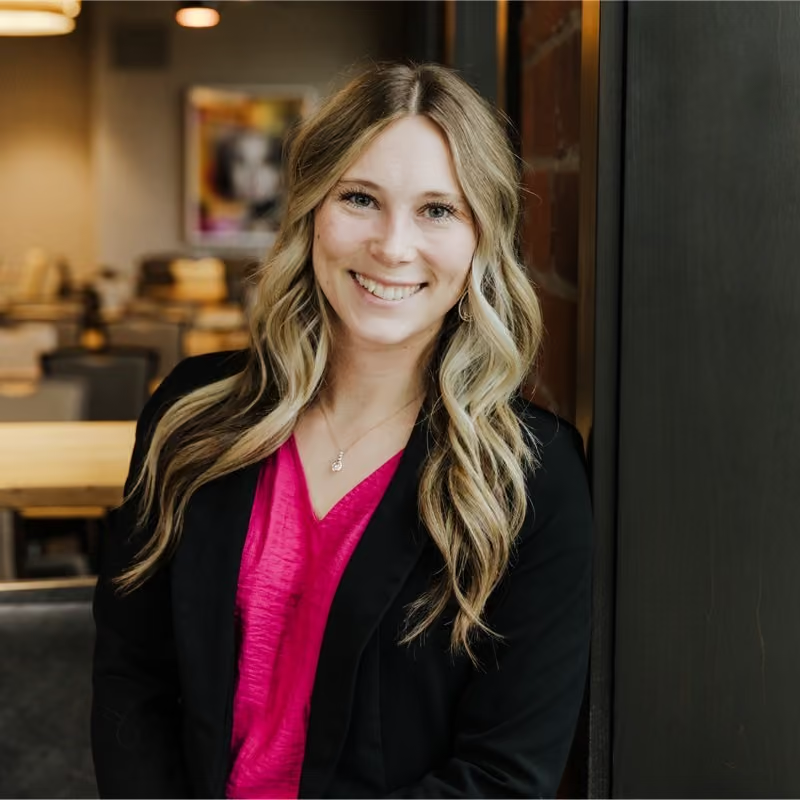
Meet Rae inside Releventful’s connected venue management platform. AI Sales Assist brings Rae to your website to answer approved questions, gather event details, qualify inquiries, and support configured appointments. Rae Inbox keeps your team involved, while the wider platform connects leads with booking and event planning.
Your team gets more time for the people and events that need them. Built for venues, caterers, and hospitality event teams.














Purpose-built for venues since 2014.
You work hard to get couples to your website. When they are ready to ask about a date, a space, or the next step, make it easy to keep going.
Rae's embeddable chat widget answers from your configured venue knowledge, gathers relevant event details, and helps visitors move toward an inquiry or appointment. Your team can monitor conversations, assign the right person, and step in when a human touch matters.

Answer questions from approved business knowledge, collect the linked inquiry form’s details, and apply your configured qualification requirements.
Book my personal walkthrough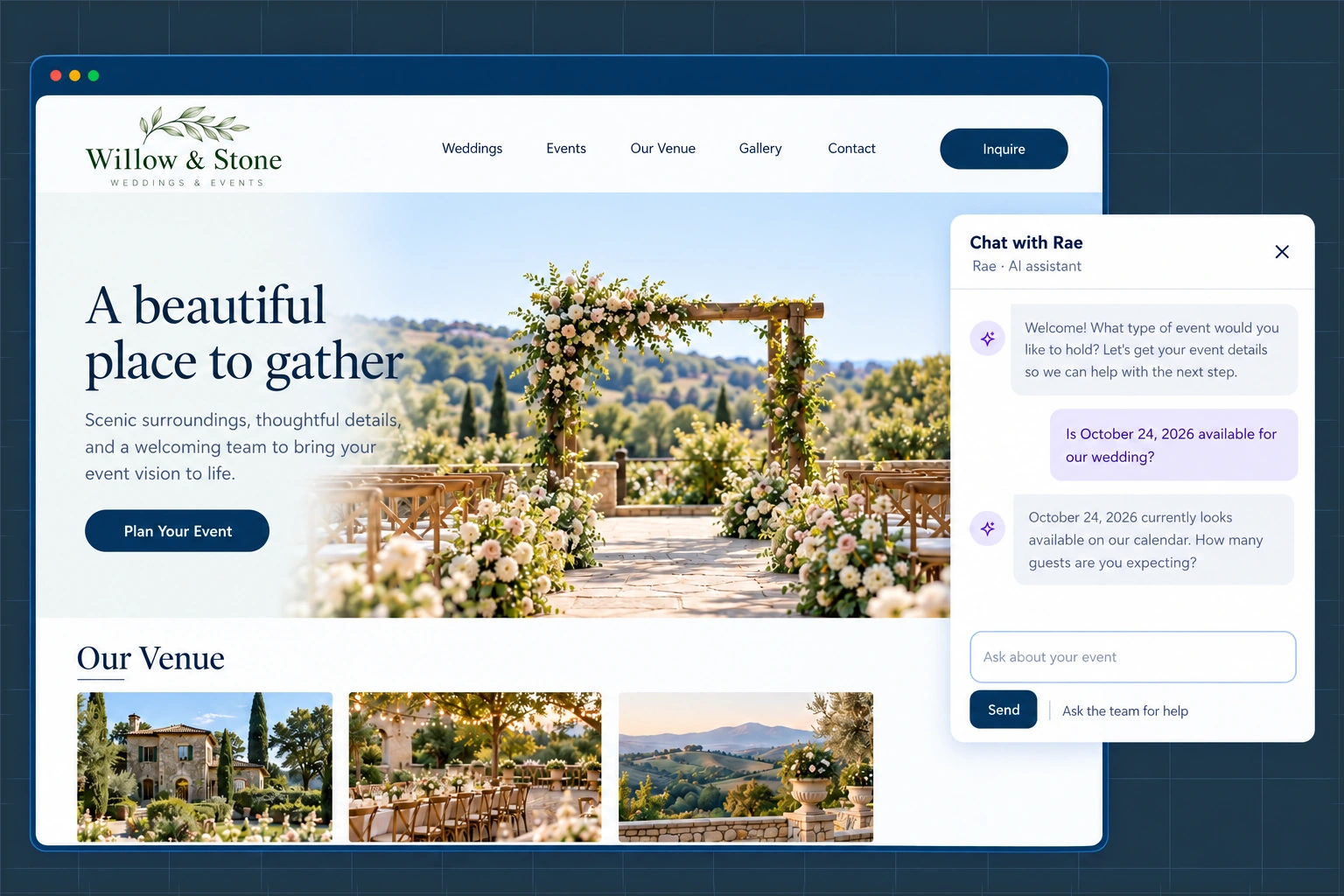
Use the enabled date, room, or inventory checks supported by your configuration. If availability cannot be confirmed, pass the conversation to your team rather than promising a booking.
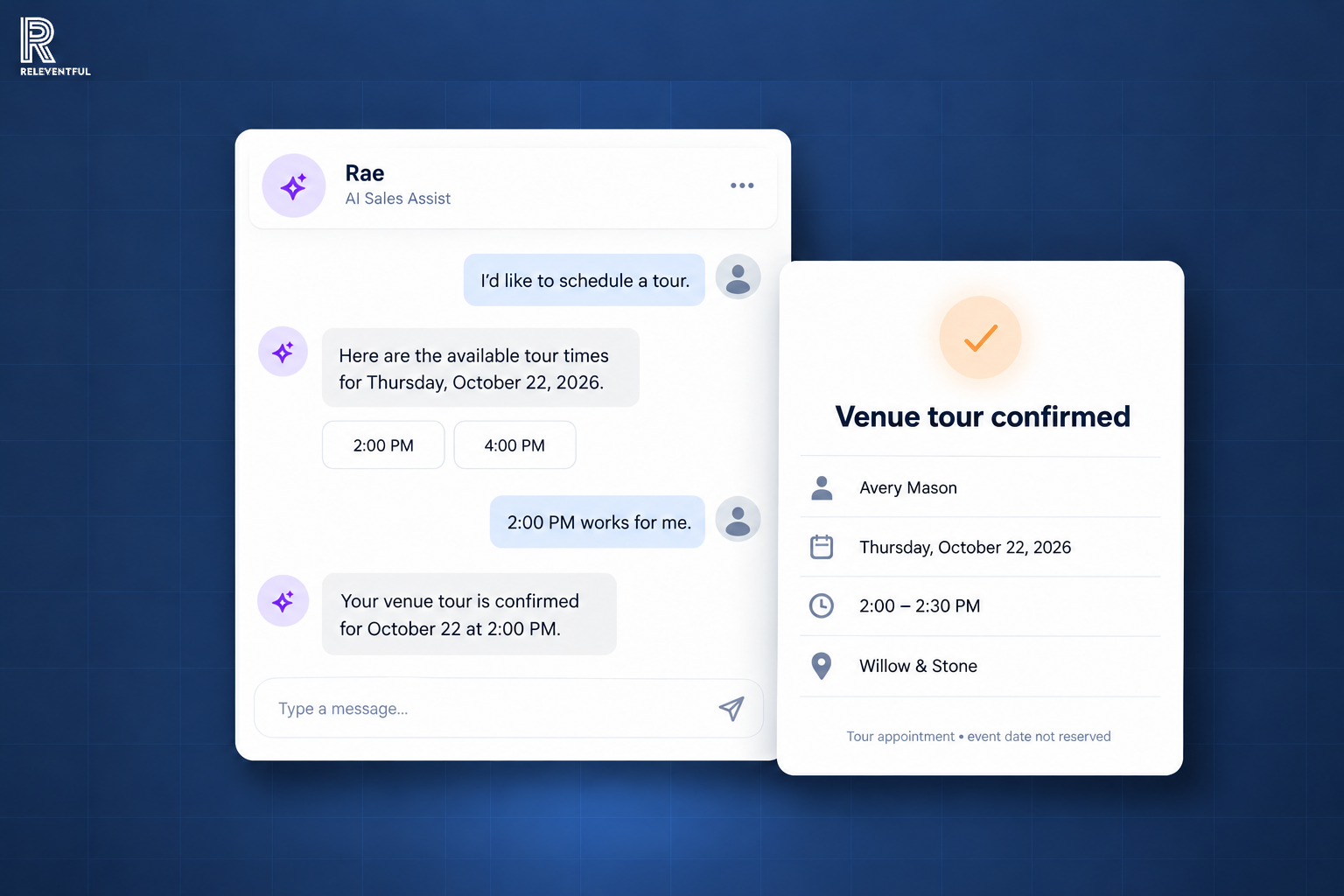
When appointment booking is enabled, check the configured calendars and confirm an available tour or appointment time. This does not reserve the event date.
Book my personal walkthroughReview and assign conversations in Rae Inbox. Existing inquiry or stage-based workflows can continue from the completed outcome.
Kick off the CRM workflows that manage proposals, contract signing, payments, planning forms, client communication, and event preparation. Your team carries the relationship forward without rebuilding the story in another system.
Book my personal walkthrough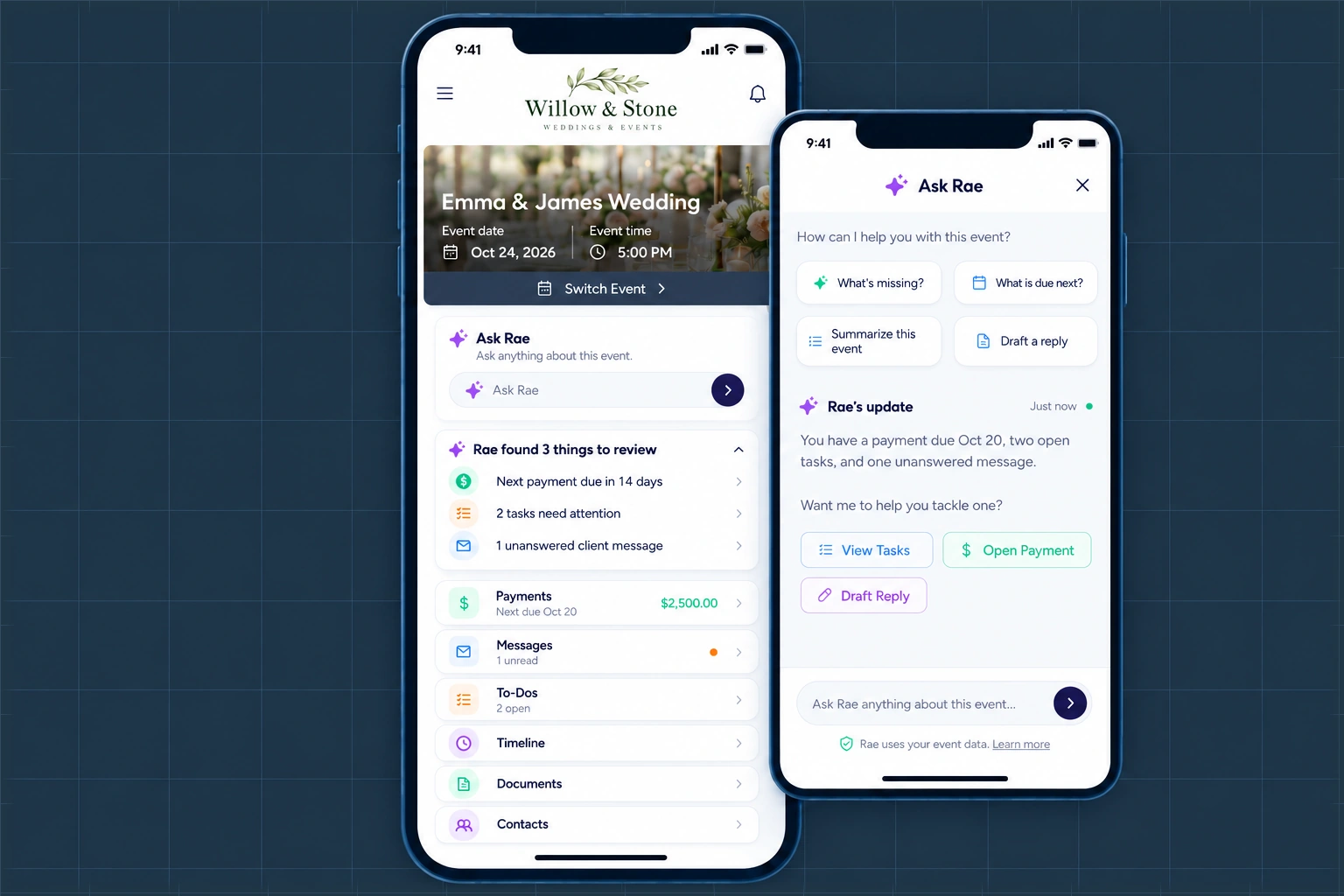
Use Rae Inbox to review the chat, see the qualification result, assign the conversation, leave a private team note, or take over an active chat. Staff access and permissions determine the actions available. Your team approves the website experience before publication; Rae then responds within that configured experience.
Clients still need to know what is due, where to find a document, and what happens next. Staff need the latest event details. Owners need a clear view of the business.
Releventful keeps those workflows together. Rae helps people find answers from information they are allowed to see, while the platform connects planning, invoices, forms, BEOs, rooms, inventory, scheduling, and reporting.
Releventful was built by event professionals who understand that a booking is the beginning of the work. Sales needs context. Clients need clarity. Operations needs the latest details. Owners need visibility.
Our role is to help your team connect that work, with onboarding, training, and ongoing support around the workflows you actually use.
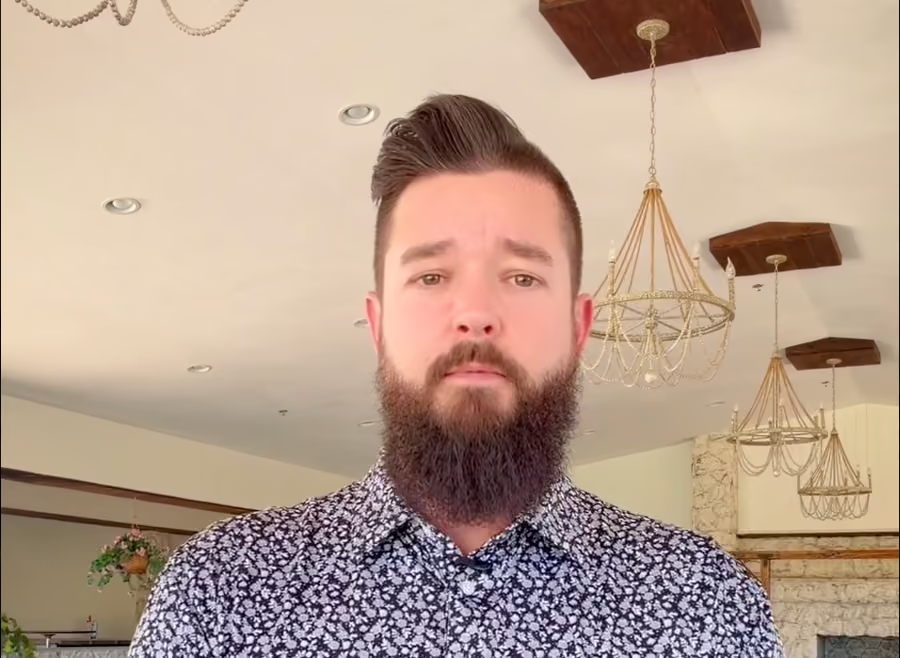

We were having to use multiple systems in order to cover everything that we needed a program to cover here at our venue. That is until we found Releventful.

Releventful has saved us so much time, energy, and headaches.
Show us where time gets lost: unanswered inquiries, inconsistent follow-up, date checks, contract chasing, payments, or planning questions. We’ll walk through the Releventful workflow for your business and help you identify the next step.
A personal walkthrough for your venue, event volume, team, and workflows.

The AI-powered venue management platform — from first inquiry to final follow-up.
Feature Highlight
Quick Close InvoicingClient / Vendor PortalBusiness AutomationSMS Texting Add-OnSee all features